
☕ Help us keep WTS free & accessible—buy us a coffee
☕ Help us keep WTS free & accessible—buy us a coffee
Author: WTS Team
Last updated: 08/09/2026
AI agents can sound complicated, this webinar aims to make it a bit more accessible:
In this WTSTalk, Erin Simmons of WTS, Ray Grieselhuber of DemandSphere & Nick Lafferty of Profound shared agents and AI-powered workflows they are actually using across community, marketing, content, operations & everyday work.
Check out a summary below of what you can expect to learn in the recording.
For Erin, the starting point was a community connection problem.
WTS members consistently asked for connection, but virtual meetup attendance was declining and some meetups were being cancelled because no one was showing up.
They looked at the friction around discovering and attending events:
Erin tested Tightknit’s events feature to make it easier for WTSers to discover, RSVP, & attend virtual meetups.
The tool brought events natively into Slack, provided an aggregated companion site view, made RSVPs easier and added calendar and reminder functionality.
After launching a few events, hosts were seeing their biggest virtual meetup turnouts yet.
That success created the next problem: scaling.
WTS was running 9 to 18 meetups a month, with occassional cancellations, time changes and new events.
Maintaining all of that manually became the human constraint—& the opening for an agent.
Erin’s route to the agent was hands-on.
Rather than beginning with a step-by-step agent guide, they used ChatGPT to work through whether the idea was possible and manually published individual events through MCP connections.
That process exposed the decisions the eventual agent would need to understand:
For example, a scheduling change should be reflected in Tightknit, while an updated Google Calendar description was not necessarily something WTS wanted copied across.
Those distinctions became part of the agent’s decision-making logic.
Erin also added safeguards: early runs were timed for manual review, and failure alert emails were created for situations where a run did not go as planned. After several days of catching edge cases and adjusting the logic, the workflow became more reliable.
The meetup change sync now runs twice a day.
It checks Gmail for calendar updates, verifies changes against Google Calendar, then uses the Tightknit MCP to update an existing event or create a new one. The workflow was later extended through Sanity so WTS could also create external pages displaying community meetups.
The key lesson from the build: doing the work manually can reveal the context, definitions, judgments and safeguards an agent needs before you automate it.
Ray approached agents from a broader systems perspective.
One of his central points was that the LLM is only one part of the setup: the environment around the agent—or its harness—shapes how the agent works.
He described several shapes these workflows can take, including conversational agents, deterministic graph-based workflows, templated workflows, orchestrators and ambient agents that run on schedules or triggers.
For Ray, that makes questions like these important:
He highlighted human-in-the-loop workflows where someone still needs to approve a final state, as well as preserving outputs between steps so teams can inspect what happened and debug problems faster.
Alongside the harness, Ray highlighted context as another critical part of building useful agents.
He shared examples including authorship, brand information, strategic information, competitors and core topics.
He demonstrated using simplified formats such as Markdown because they can be read by humans and machines, written back to and built into memory over time.
Ray also described what DemandSphere calls active context: continuously updated streams such as email and Slack.
Their workflows use these streams to route information into areas such as support and sales and make context available through MCP connections.
Nick shared a straightforward set of criteria for identifying good agent candidates:
One way Nick finds those opportunities is simply asking ChatGPT or Claude what it would automate based on what it already knows about him.
He shared several examples from his own work:
His structural explanation was deliberately simple: an agent can be a folder of skills and Markdown files working toward a defined goal.
Nick warned about shiny object syndrome: getting hung up on each new model or tool instead of picking one and learning it well.
Erin described a similar lesson from a different angle.
After spending a long time trying to learn by reading and replicating what other people were building, the breakthrough came from a combination of MCPs becoming more frequent, working through a real WTS problem, and learning by doing.
The Q&A explored the tension between useful access and sensitive information.
Ray described using an internal MCP layer to control exactly what information from Gmail reaches an AI session, rather than relying on broader default permissions.
Nick draws a different boundary: his rules tell agents not to publish or email anything without his explicit permission. He is more comfortable with agents looking at information than taking actions without confirmation.
Ray also described tightly restricting coding agents because, without guardrails, they can attempt unsafe actions involving credentials or browser session data.
Nick is experimenting with orchestrator agents that review the outputs of other specialised agents, adding another layer of oversight because he has found that AI is not always good at regulating itself.
None of the examples in the session depended on getting everything right before starting.
Erin manually tested the workflow and adjusted its logic.
Ray focused on making outputs and failures inspectable.
Nick recommended beginning with repetitive work whose results are easy to verify.
A useful pattern from the session is:
find a repeated task → understand the decisions → test the workflow → define the goal & context → add safeguards → watch what happens → improve i
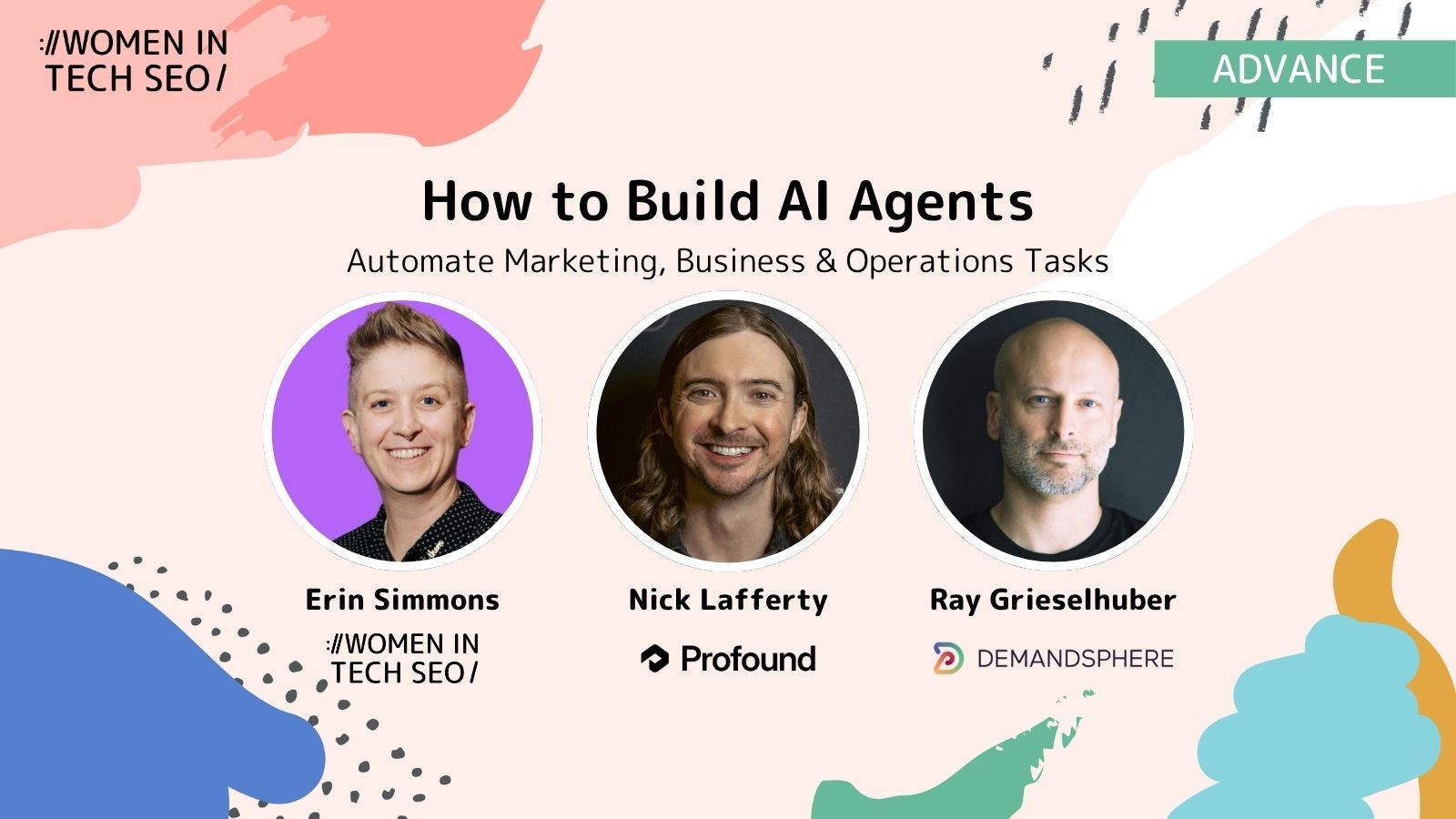
The recording includes Erin’s WTS meetup automation, Ray’s approach to agent harnesses and context, Nick’s real-world agent builds and a live Q&A covering security, local models, context management, multi-agent workflows and guardrails.
Watch How to Build AI Agents for Marketing & Business Automation on YouTube
You can also view the presentation decks and resources from the session.
We pay our authors, speakers & team to bring you helpful content like this.
We aim to always keep our content and community free and accessible.
If you've found value in WTS, please consider supporting us through our Buy Me a Coffee initiative.
We pay our authors, speakers & team to bring you helpful content like this.
We aim to always keep our content and community free and accessible.
If you've found value in WTS, please consider supporting us through our Buy Me a Coffee initiative.